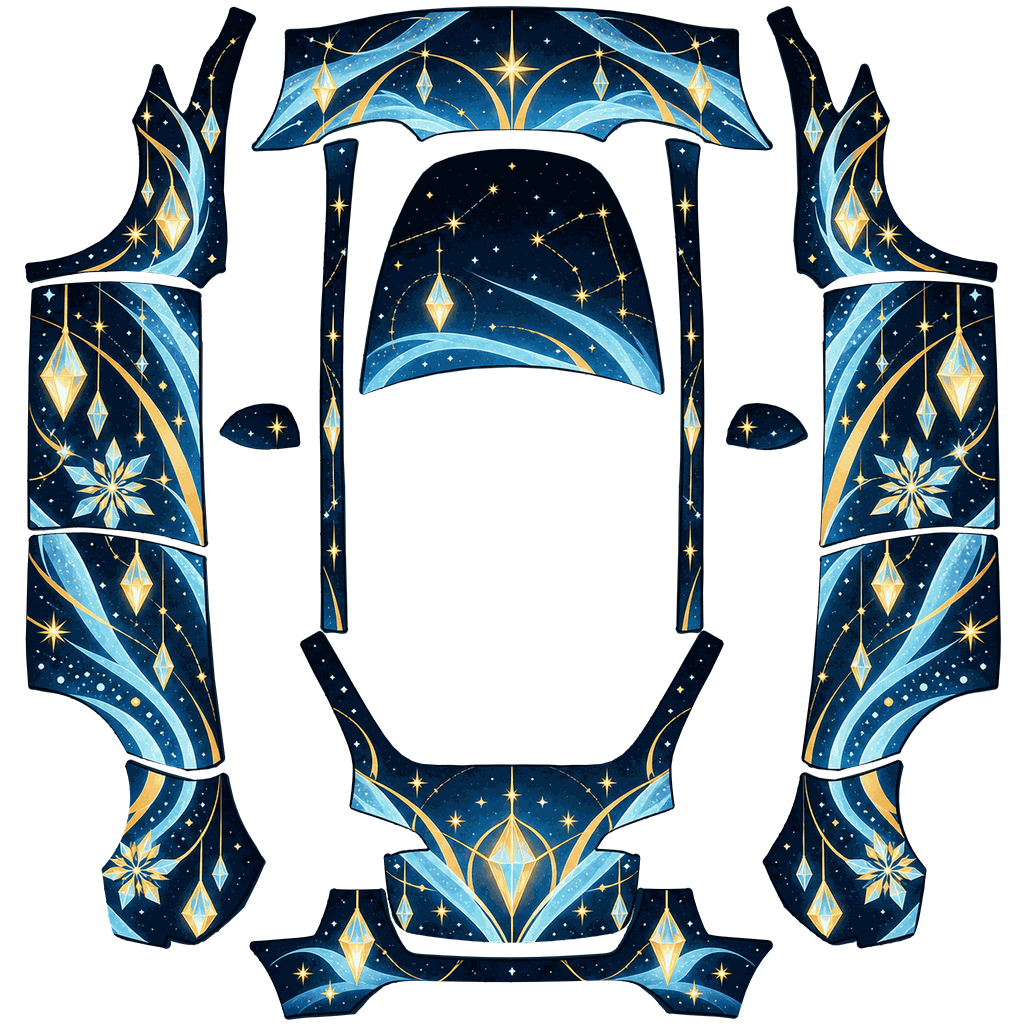
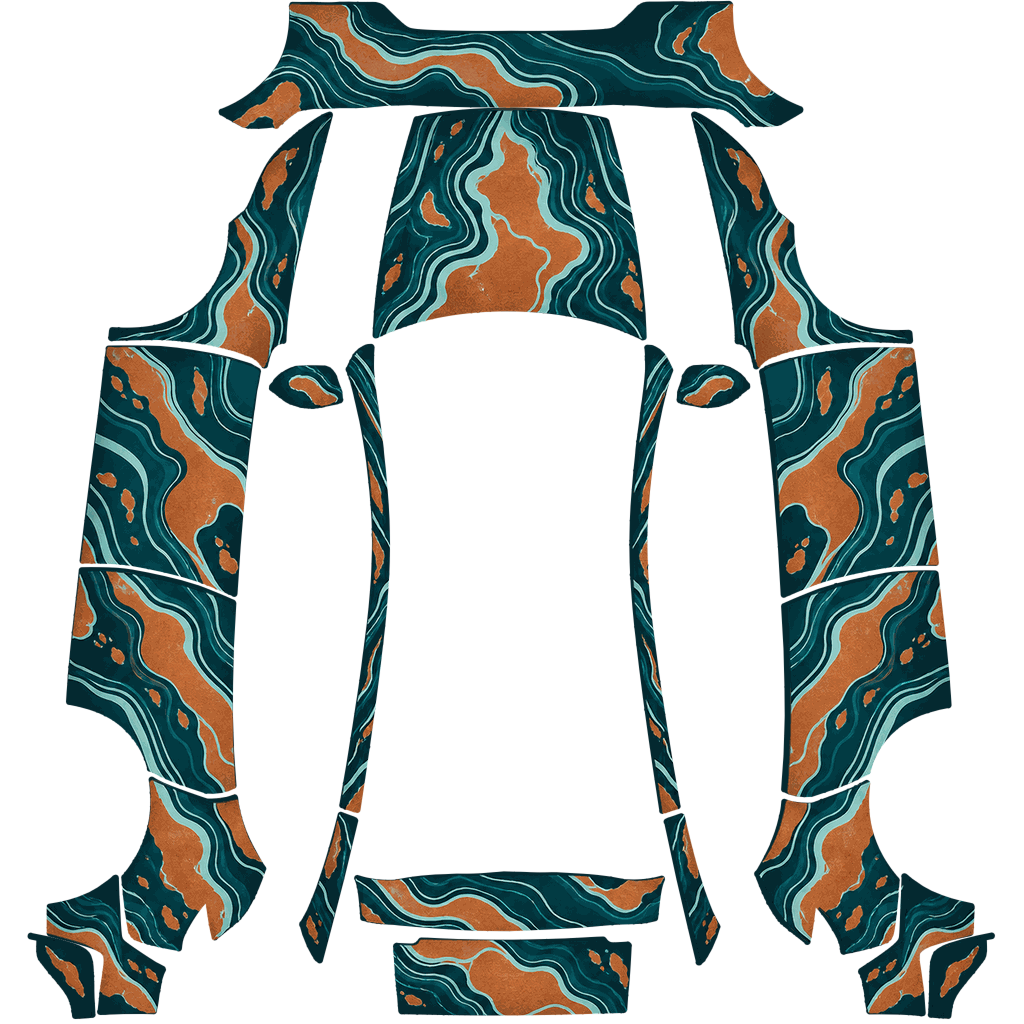
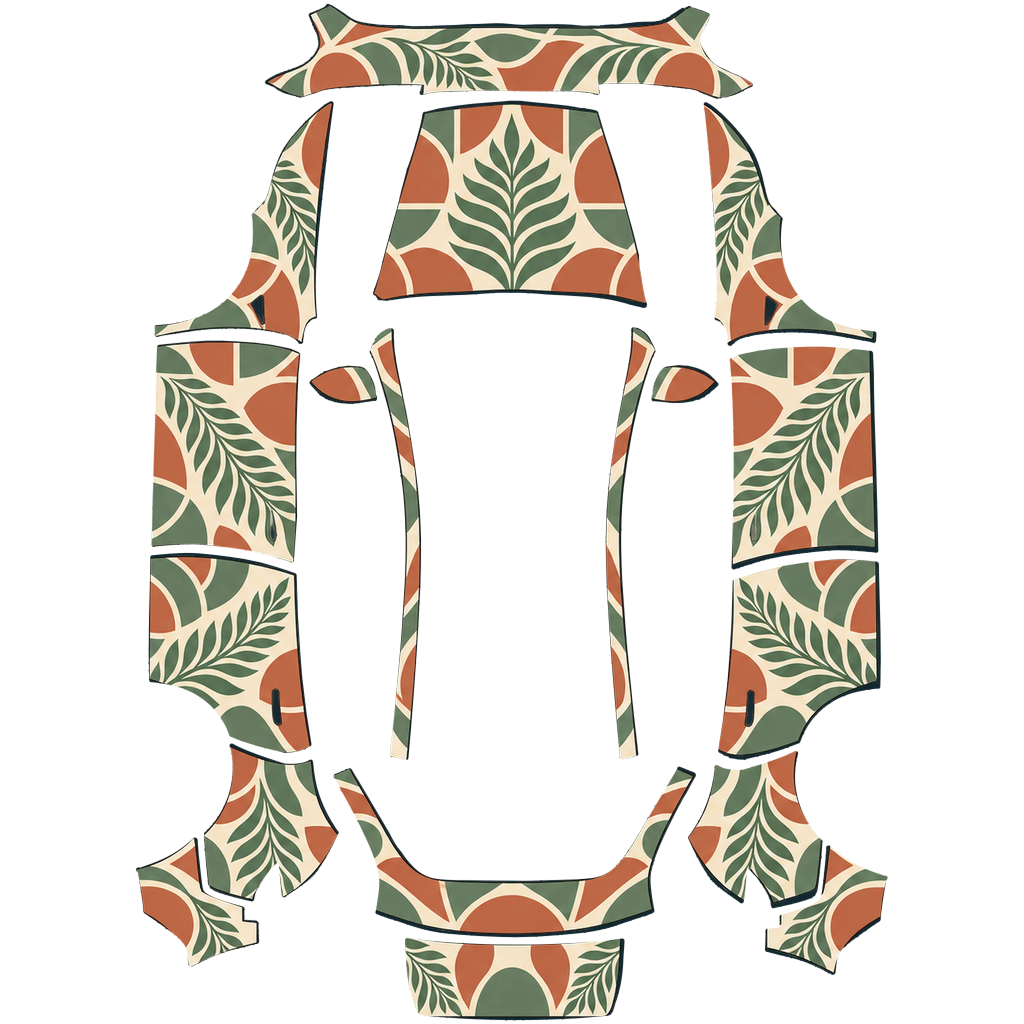
The preview uses the same template Paint Shop reads, so what you see on the model is what appears on your screen.
The file is already the right size, format and name. Pick how you want to get it into the car.
Model Y · 2020–2024 · Holiday
Model Y · 2025+ Performance · Patterns
Model Y · 2025+ Standard · Patterns
Model Y · Model Y L · Police