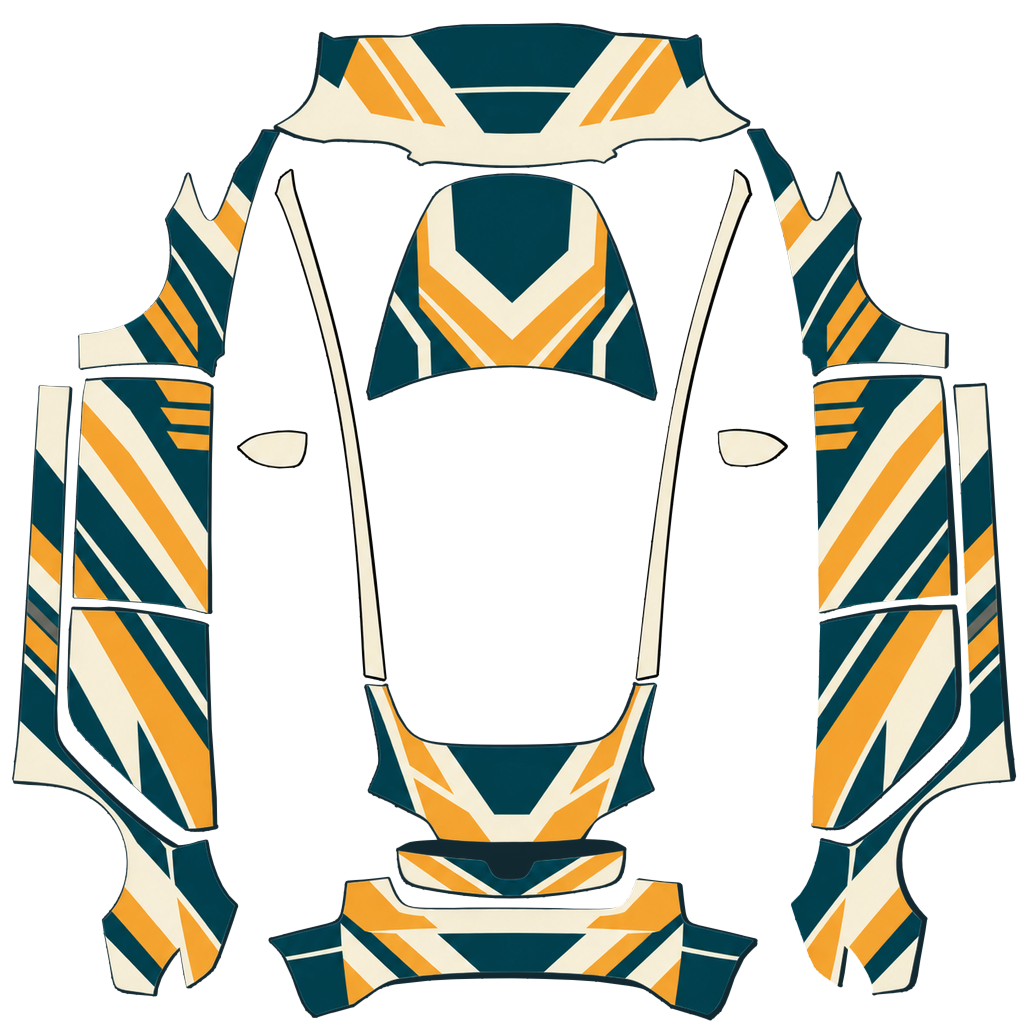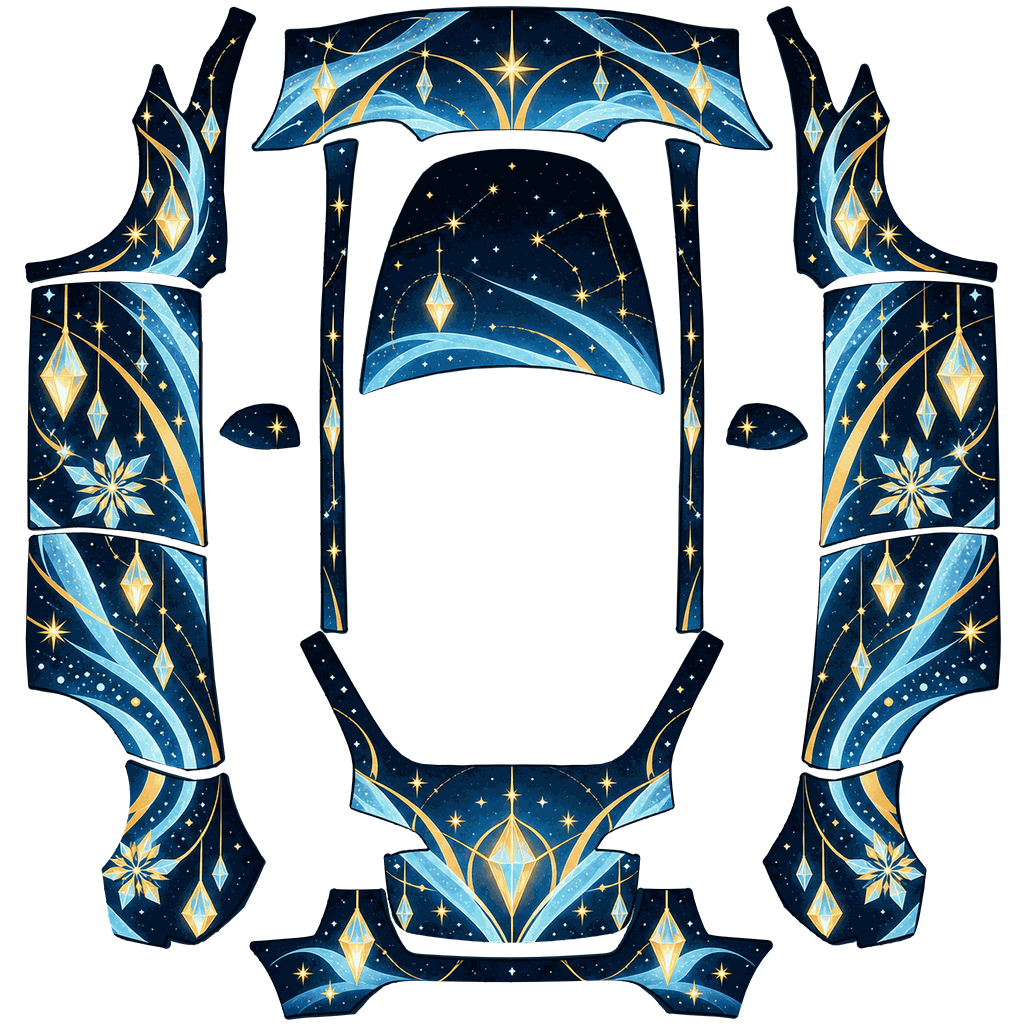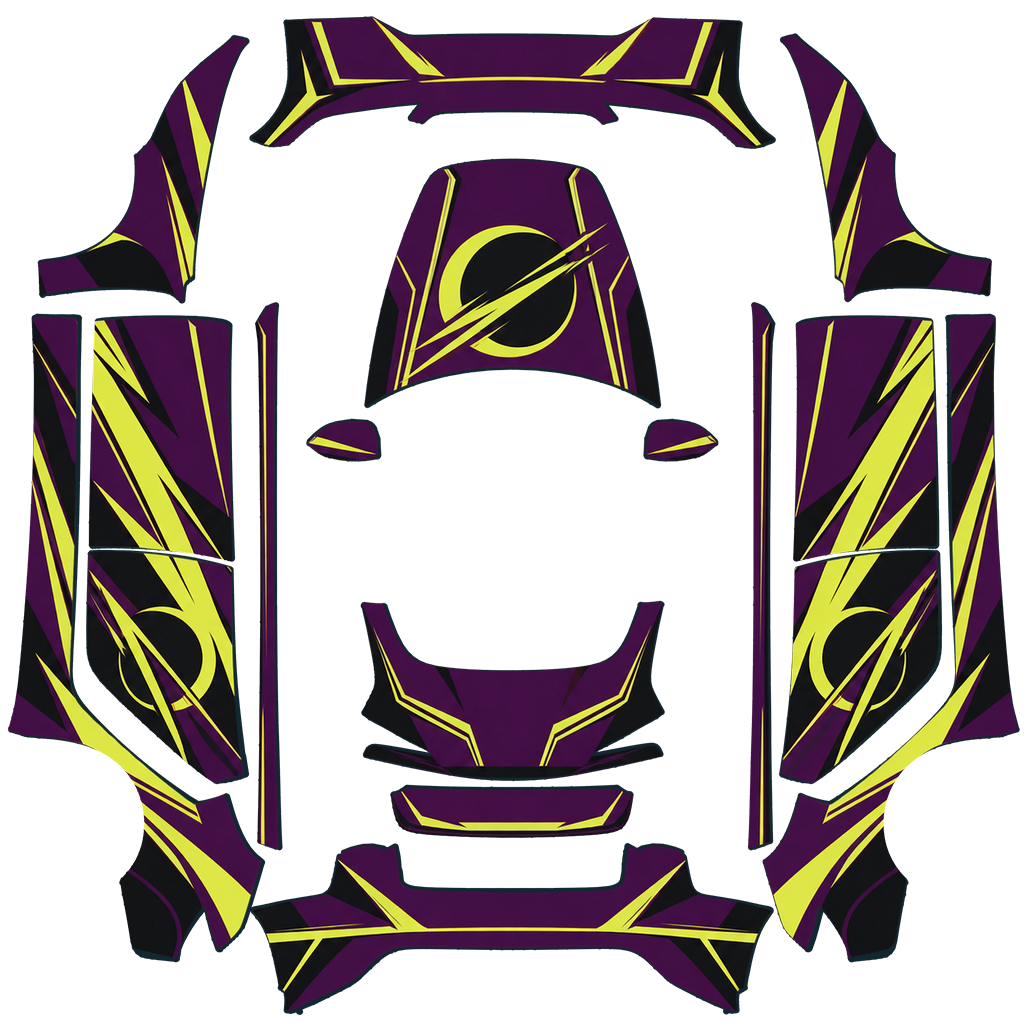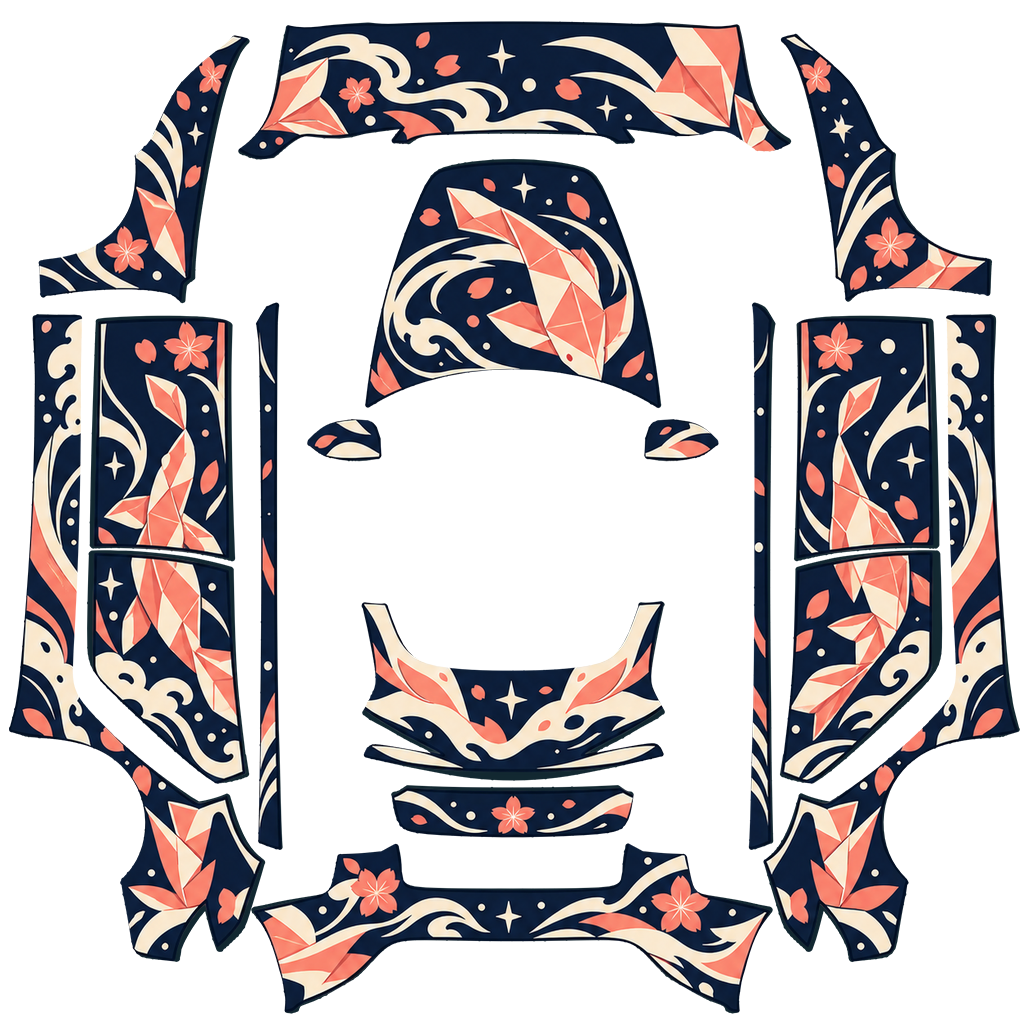
Fit-checked
0.76 MB
Pick your model, year and trim. Check every panel in 3D. Download a Paint Shop PNG that imports clean, no sign-up.
Or put your own photo on your carPaint Shop maps a flat PNG onto your car using a layout that changes between model years and trims. Use the wrong one and the hood art lands on a door. We check every file against the right layout first.
The 2025 Model Y alone has three layouts. Set your car once and every list filters to designs made for it.
See hood, doors, bumpers and roof on a model of your car, then flip to the flat PNG to see exactly what goes in the file.
Square PNG, under 1 MB, a filename Tesla allows, with steps for the app and for USB right next to the download button.
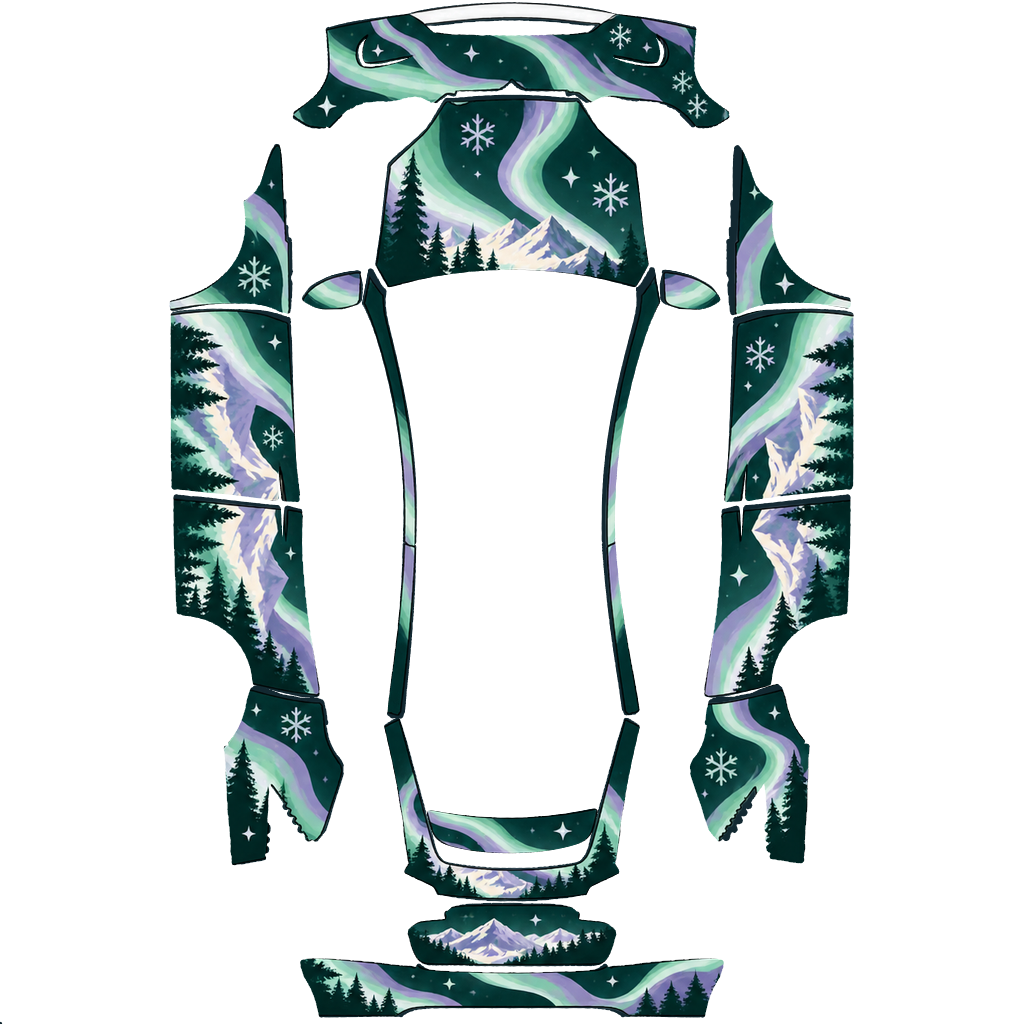
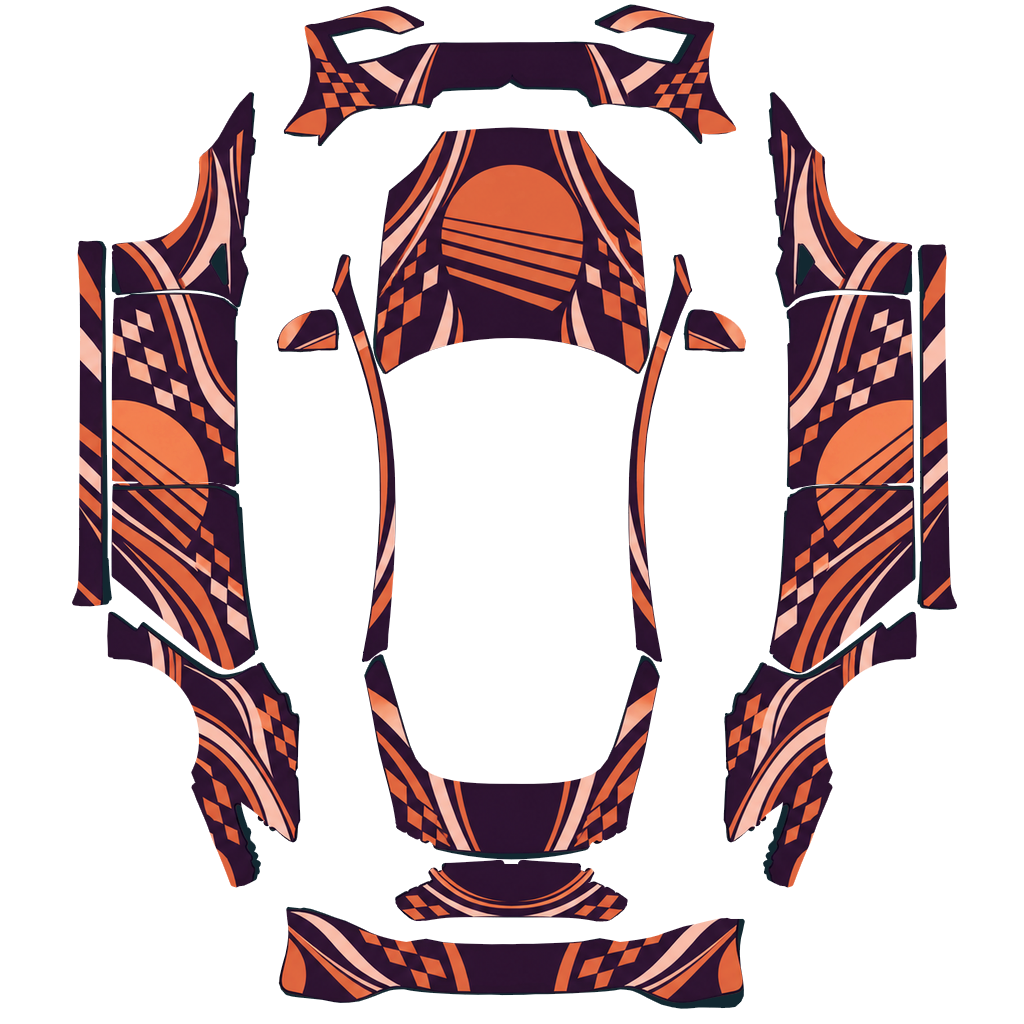
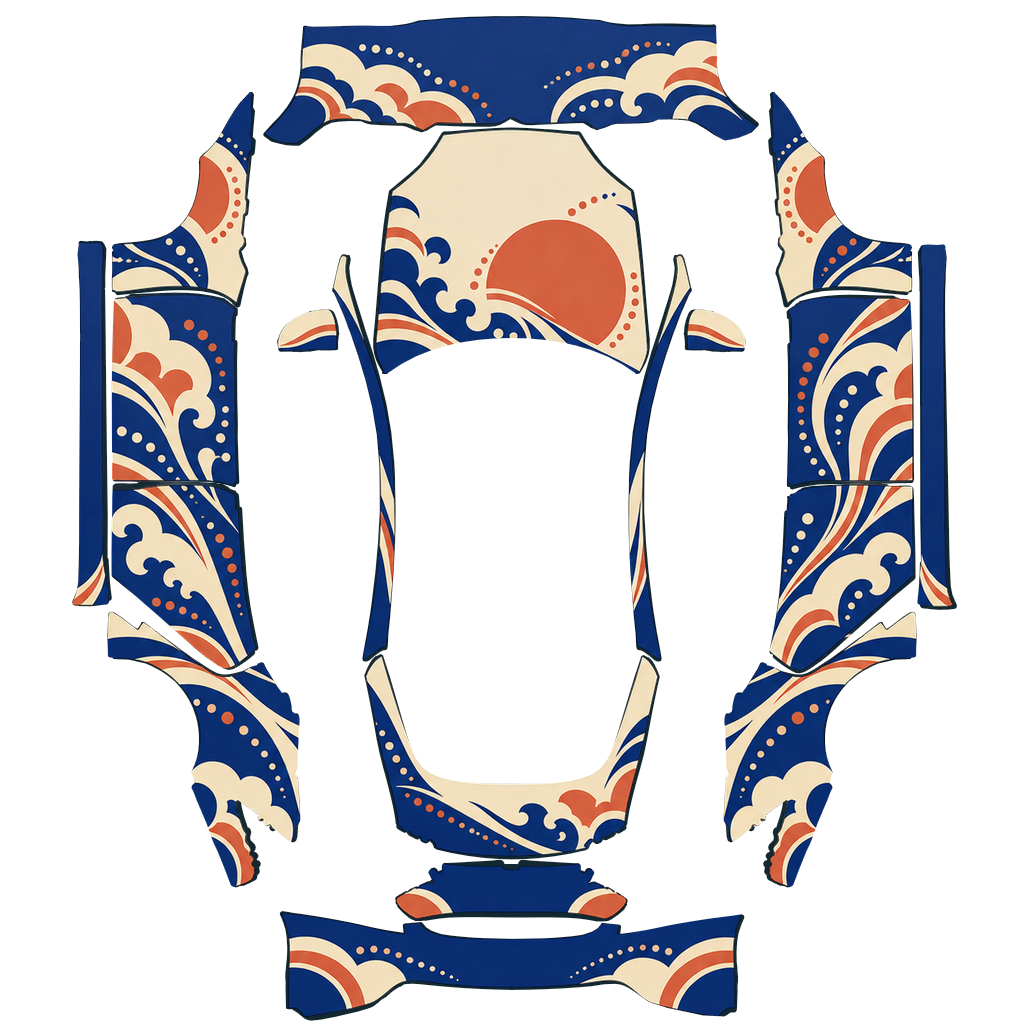
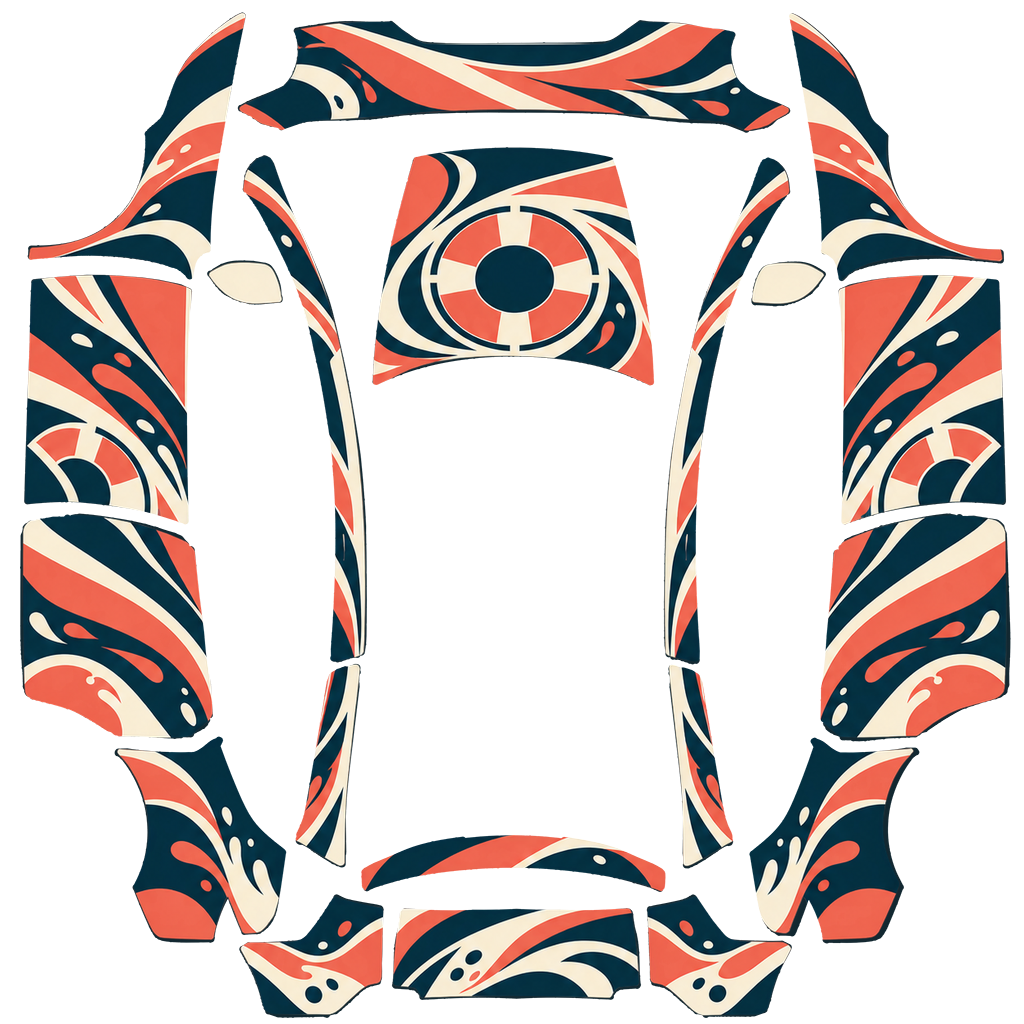
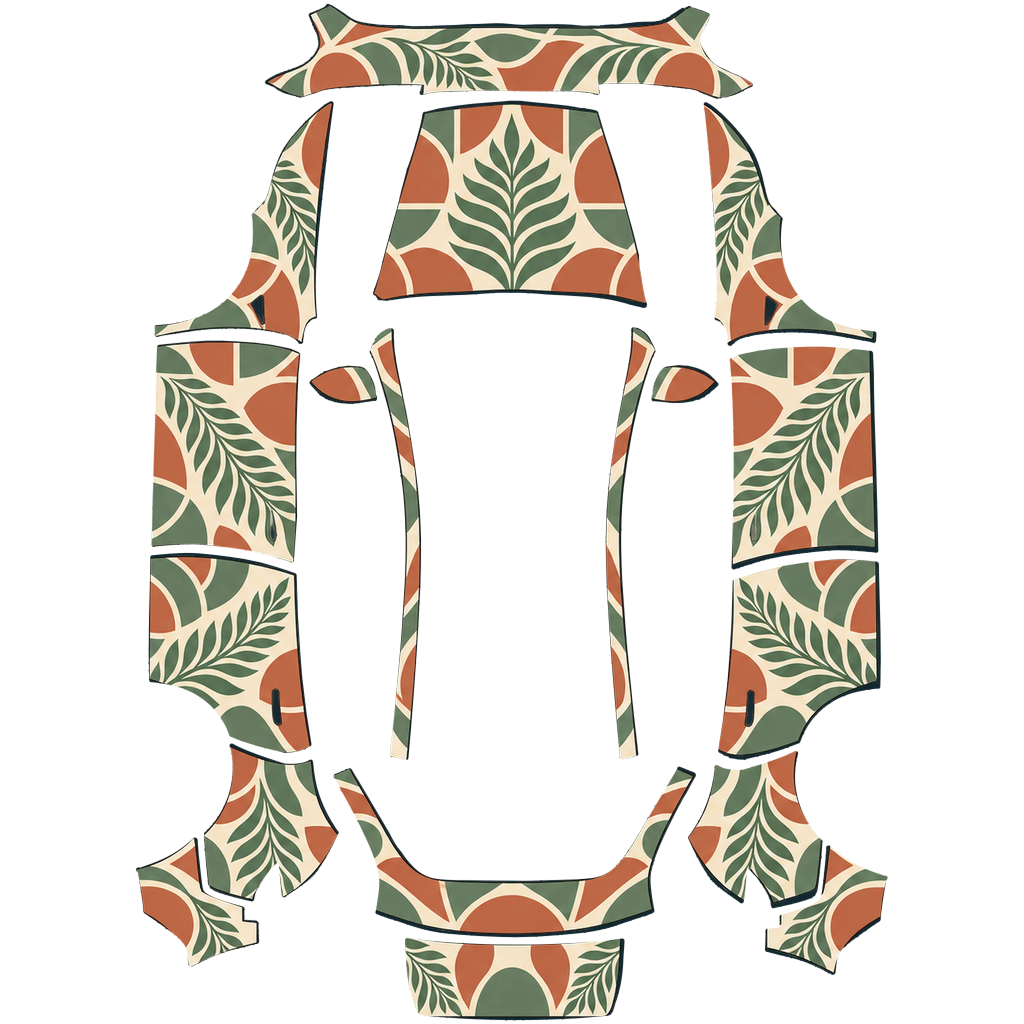
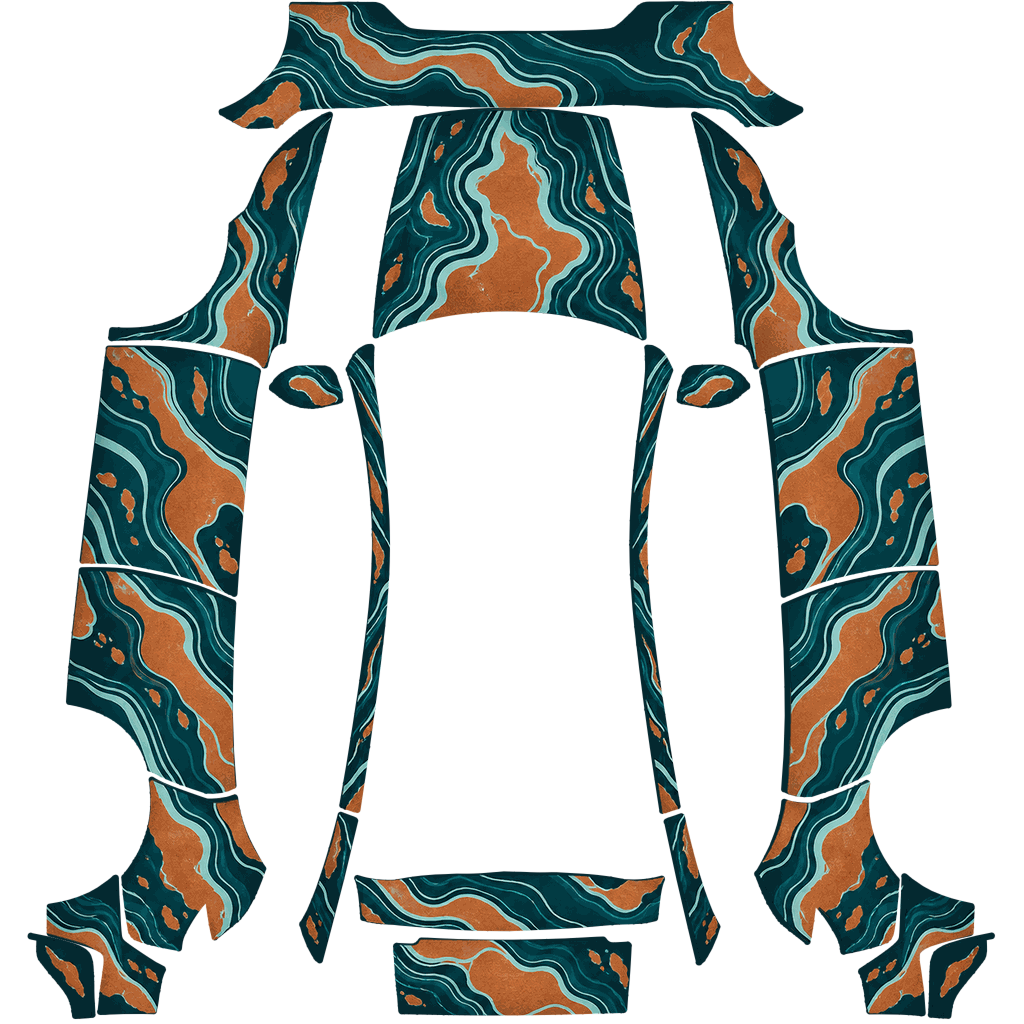
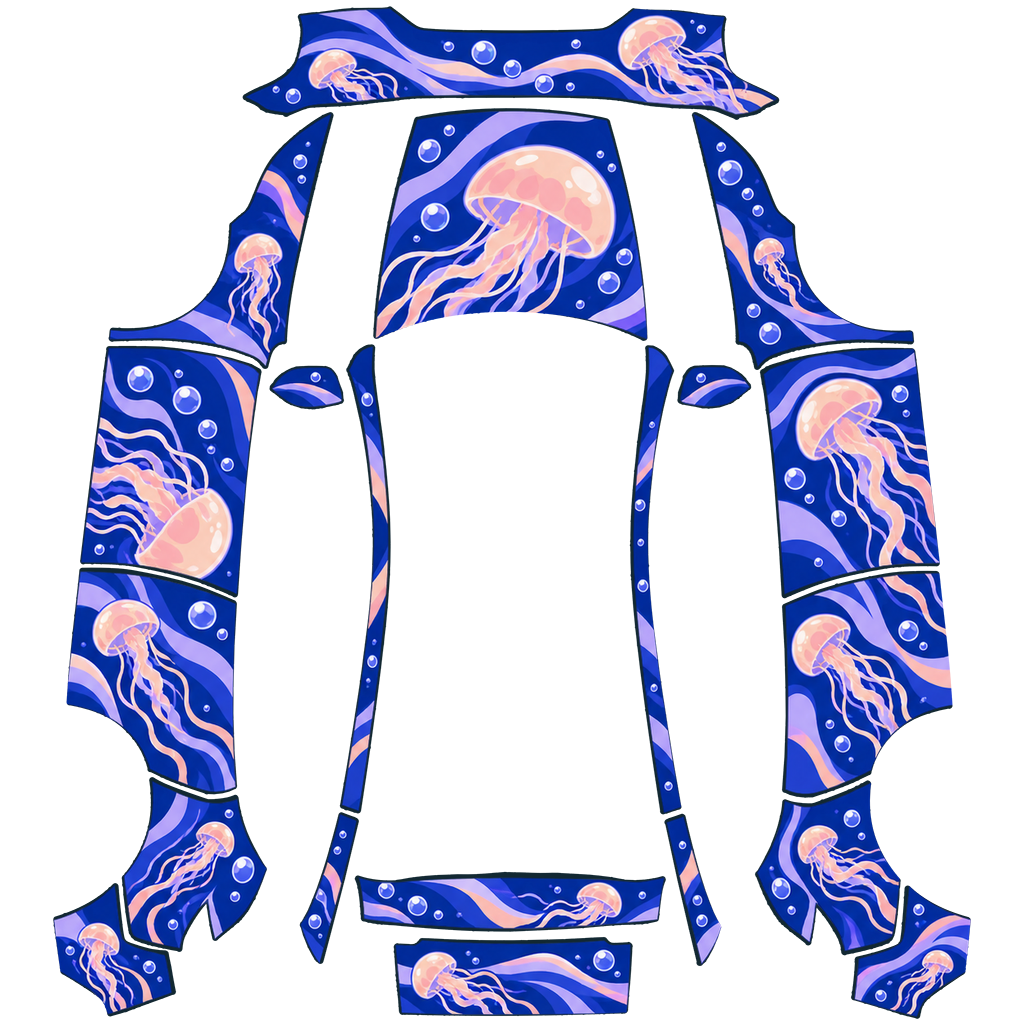
Drop in any photo and watch it wrap every panel of your exact car, front, side and rear. Export a Paint Shop PNG when it looks right.
The file · 1024 × 1024Every design has both views, one tap apart. Paint Shop only reads the flat file, so we show you which panel each shape lands on before it ever touches your car.
Open Jelly DriftType an idea or drop in a photo. We paint it onto your car’s exact template, run the same fit check, and show you a 3D preview before you spend anything.
Generate a wrapCredits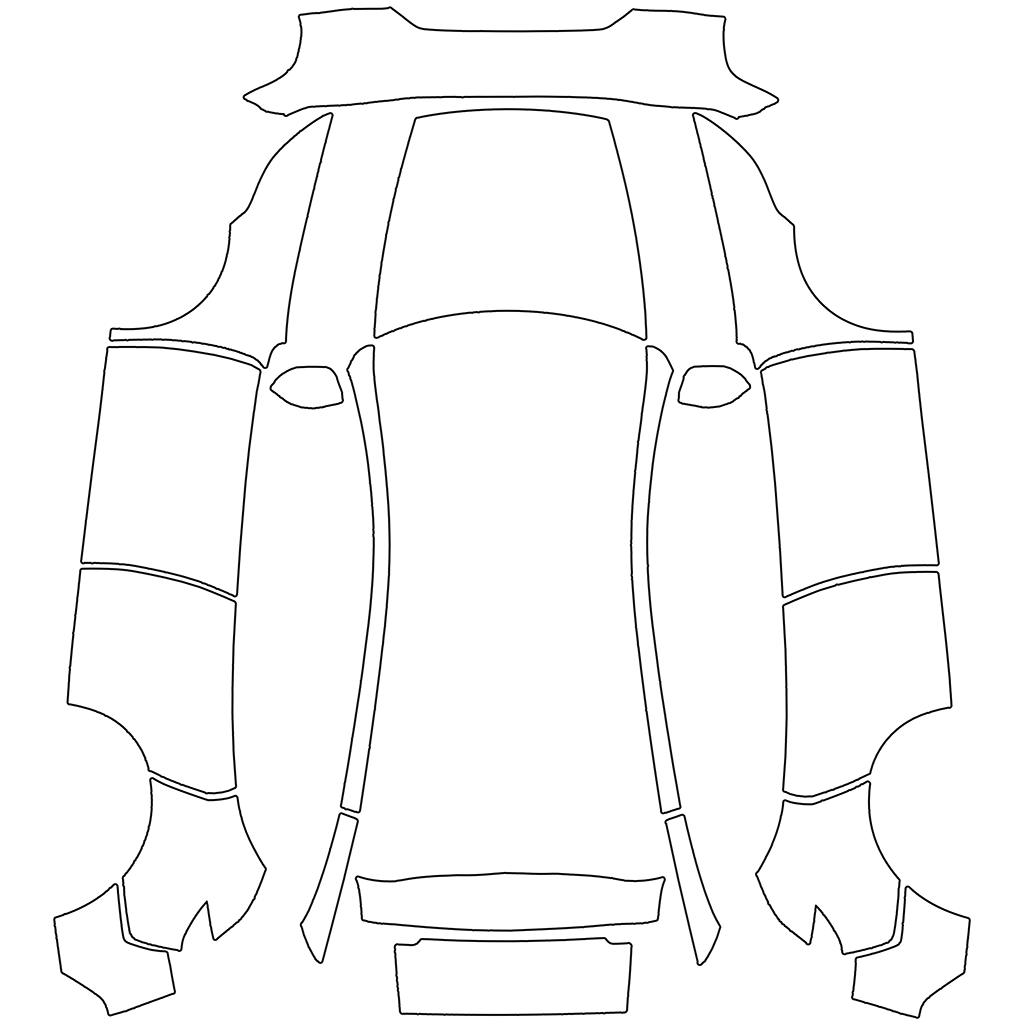 Your car’s templatePainted · fit-checked
Paint Shop is a Toybox feature in your Tesla that lets you apply custom wraps and colors to the 3D view of your car. A wrap is a PNG image that gets laid over the car model, so you can change how it looks without leaving the driver’s seat.
PNG only. The image must be square, between 512 and 1024 px on each side, and 1 MB or smaller. Wraps on this site are prepared to match those rules, so they import without resizing.
Model 3 (including Highland and Highland Performance), Model Y (original, Juniper Standard, Premium and Performance, and Long Range), Model S/X 2021+ including Plaid, and Cybertruck.
Yes. Browsing, previewing and downloading gallery wraps is free. Credits are only for generating a custom wrap with AI: $4.99 for 100 credits, $9.99 for 300 credits, or $19.99 for 500 credits. Browsing the gallery, previewing wraps and downloading PNG files need no account, no email and no upload.
Put the PNG in a folder named Wraps on a USB drive and plug it into your Tesla, or upload it from the Tesla app. The import guide has both methods and a troubleshooting checklist.
Pick your exact Tesla and get a file that works on the first import.